Ask an AI about this page
 ChatGPT
 Claude
 Perplexity
 Google AI Mode
 Microsoft Copilot
 Grok
 Mistral Le Chat
Forgot your password
If you forgot the password of the Mail Niaga console, you can reset it yourself. Mail Niaga sends a link to the email address of your account. With that link, you set a new password.
Ask for a password reset link
Section titled “Ask for a password reset link”Do these steps on the login page of the Mail Niaga console:
-
Open manage.mailniaga.com.
-
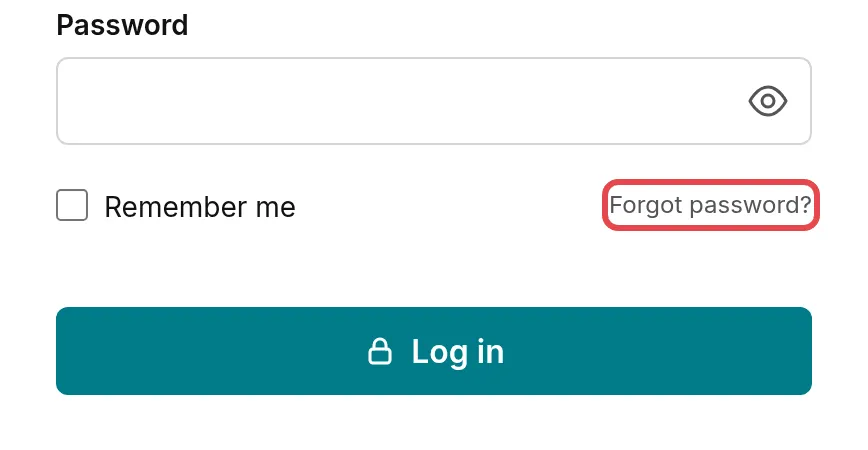
Click Forgot password?.
-
On the Reset your password page, type the email address of your account in the Email field.
-
Click Send reset link.
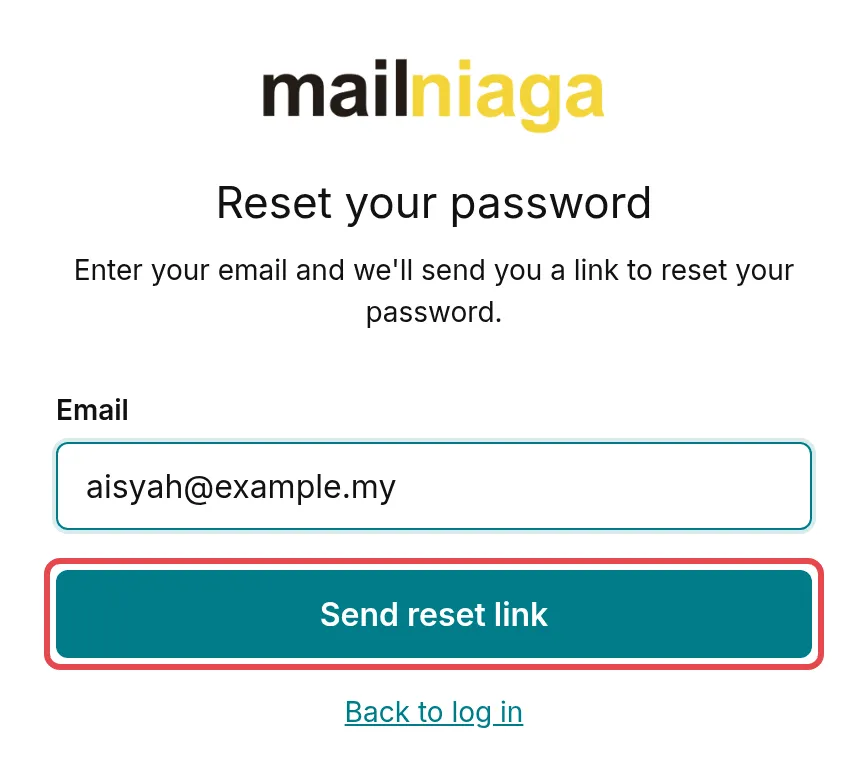
The page shows the message We have e-mailed your password reset link!. Mail Niaga sends an email with a link to that address.
To go back to the login page and not ask for a link, click Back to log in.
Set a new password
Section titled “Set a new password”You can use the link in the email for 60 minutes only. Do these steps after you get the email:
- Open the email from Mail Niaga and click the password reset link.
- On the Set a new password page, make sure that the email address in the Email field is correct.
- Type a new password in the New password field.
- Type the same password in the Confirm password field.
- Click Reset password.
After the password changes, Mail Niaga opens the console for you immediately. You do not have to log in again. If 2FA is on for your account, the console asks for the 2FA code first. Next time, log in with the new password. See Log in to the Mail Niaga console.
If the link expired, the page shows This password reset token is invalid. Do the steps above again to get a new link.
This advice helps you reset your password safely:
- Ask for the link one time only, then wait some minutes. The email can take some time to arrive. You can use only the newest link.
- Do not share the password reset email. Any person with that link can change the password of your account.
Common issues
Why do I not get the password reset email?
Make sure that you typed the email address of your account. Look in your spam, junk or promotions folder. Then ask for the link again.
Why does the page show the message We can't find a user with that e-mail address?
No Mail Niaga account has that email address. Check the spelling, or try a different email address that you used when you registered.
Why does the page show the message This password reset token is invalid?
The link expired or somebody used it before. Ask for a new link with Forgot password? on the login page.
Was this article helpful?
Thanks for your feedback.
Sorry, this page did not help. Chat on Messenger and we will help you fix it.